Players · Onboarding
Signup & Join Your First Class
Create a free account, verify your email, and enroll in a Party (Cohort) with the 6-character join code from your teacher.
Verified against app build 2f427ecbd · 2026-10-07
Playing RPGLMS is free. You’ll make an account, verify your email, and join your class with the 6-character join code your Gamemaster gives you.
Three ways to sign in
The login card offers email and password, Google, and Apple. The steps below follow the email route.
Create your account
Roll for initiative, then choose Email
Tap the title screen (ROLL FOR INITIATIVE); the d20 rolls and you land on the login card. Tap Continue with Email, then Sign me up! to register — the header becomes Sign Up, Adventurer!
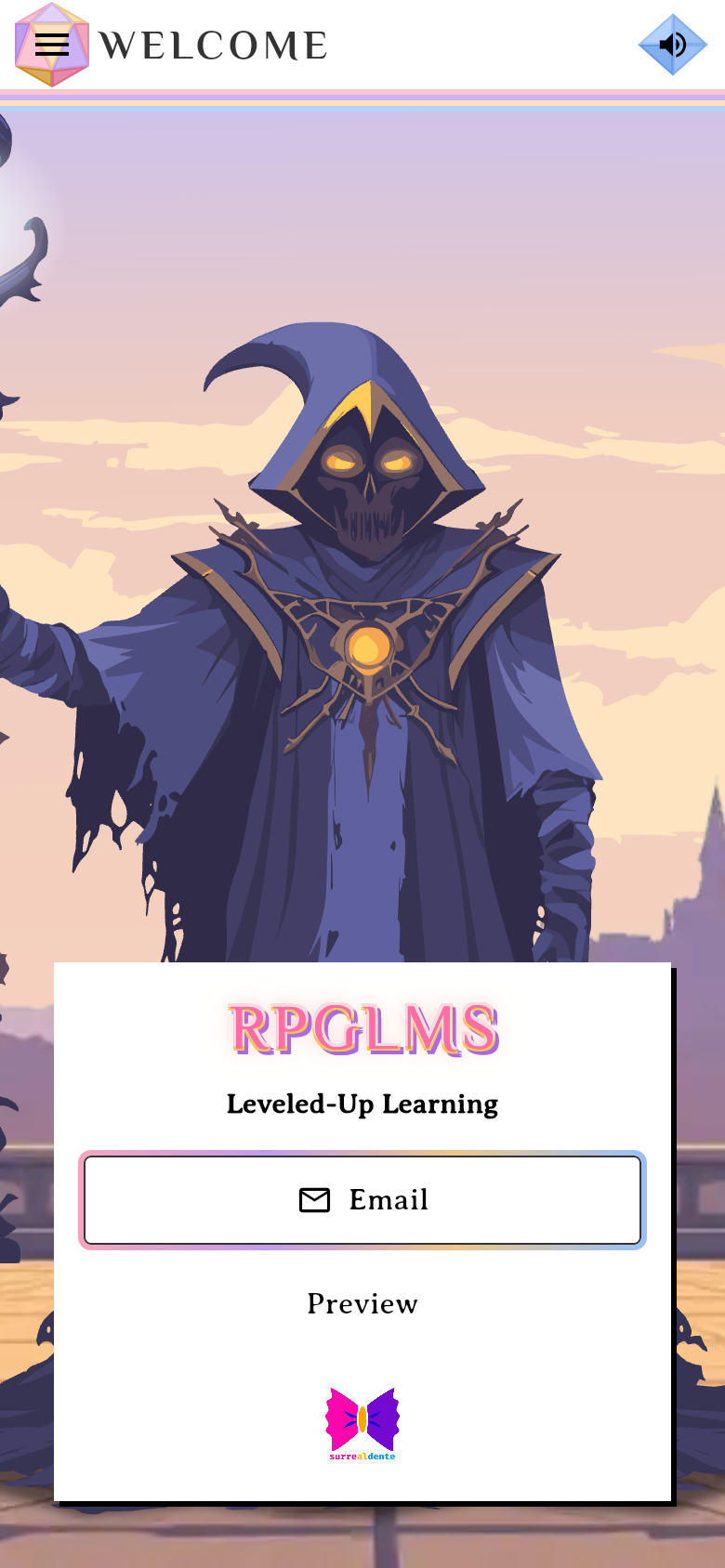
Tap Continue with Email, then Sign me up!verified @ 2f427ecbd Answer the age question
First comes When were you born? — enter the month, day and year and tap Continue. It’s asked once per device, before any account details, and Google and Apple sign-in ask it too. Sign-ups for under-13s are closed for now; the screen explains that and stops.
Fill the form and verify
Enter your Email, First and Last name, and Password, then tap Continue — the legal notice above the button means that tap is your acceptance of the Terms and Privacy Policy. Enter the 6-digit code RPGLMS emails you on the Verify account screen, then tap Create account — and you land on Base Camp.
Capture pendingThe registration form with the four plan chips and the legal notice above the Continue button1440 × 900 · 16:10Tapping Continue is your acceptance of the Terms and Privacy Policy.verified @ 2f427ecbd Meet Your Hero
First sign-in opens the Meet Your Hero avatar sheet over Base Camp. Your hero arrives pre-rolled. Change your Face, Fit and Fab if you like, then tap the green arrow to save and carry on — the sheet has no other way out. You can change any of it later. Padlocked options need a Patron+ subscription (the arrow stays off while one is selected); the free set is still a full character.
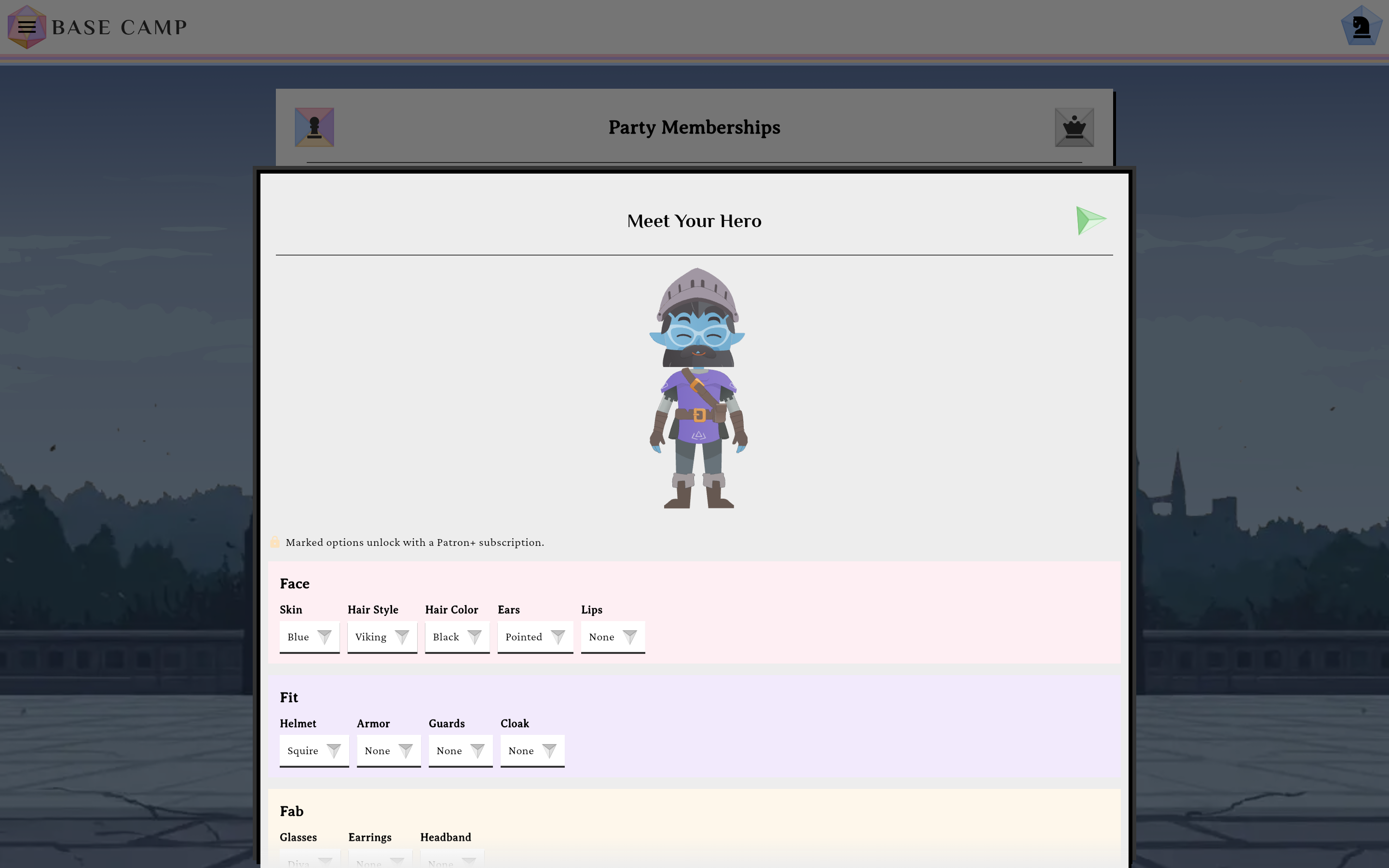
Shown once, on first sign-in. The green arrow saves your hero and moves on.verified @ 2f427ecbd
Join your class
Use Join with Code on Base Camp
Open Base Camp’s party card and switch to the Party Memberships tab — its sibling tab, Gamemaster Quarters, is for courses you run instead. Tap Join with Code; the empty state reminds you: “You haven’t joined any parties yet. Ask your Gamemaster for a join code to enroll.” Unless you belong to a Realm, a Party Finder button appears beside it, so you can browse public parties without a code.
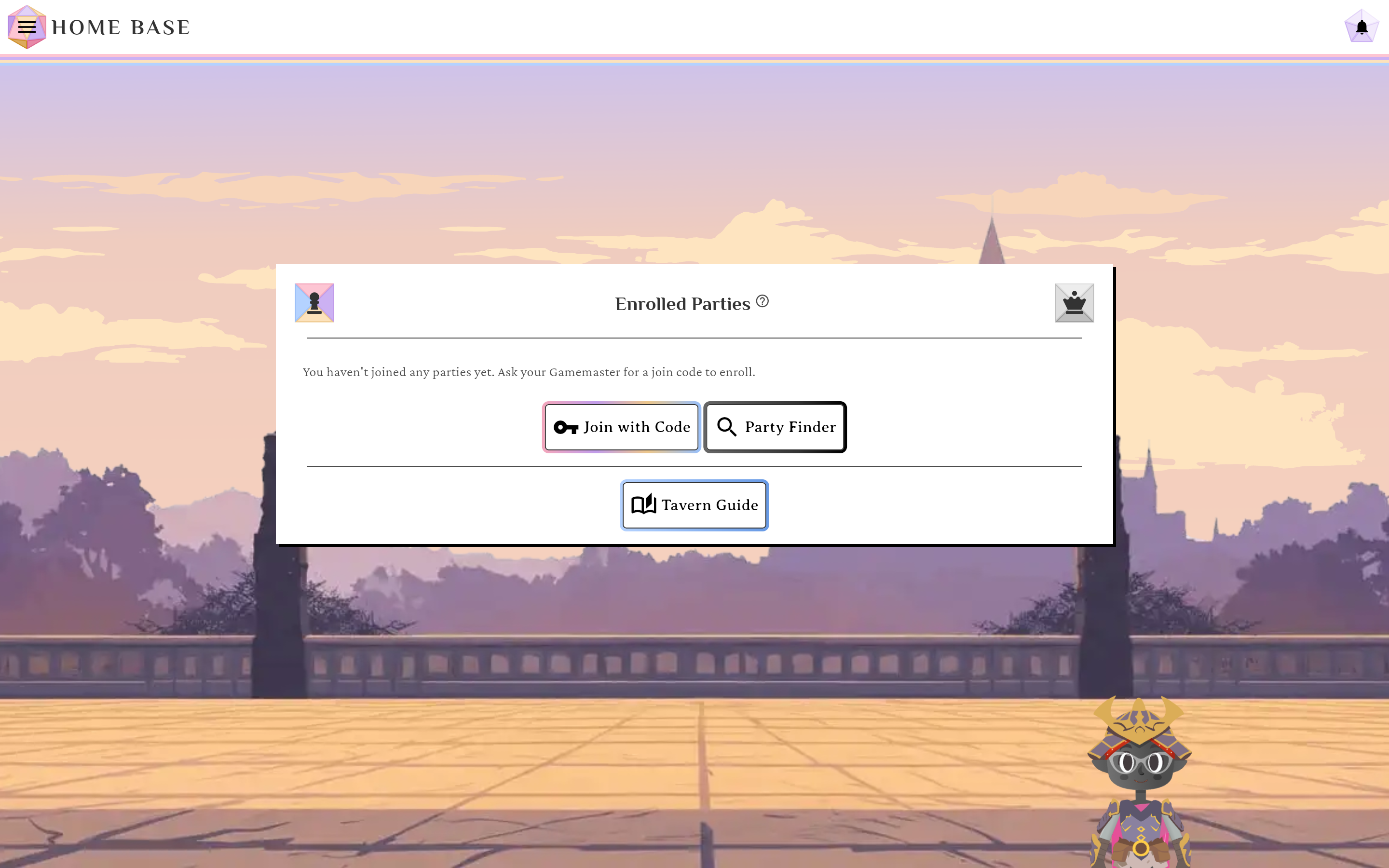
Join with Code lives on the Party Memberships tab of Base Camp's shared party card.verified @ 2f427ecbd Enter the code and join
In the Join a Party dialog, type the 6-character code (it auto-uppercases) and tap Join Party. You land on the House — your new course’s page, listing every unit in it. One code covers the whole course, so there is nothing else to ask your teacher for. From here, see Progress through a Campaign.
No code yet? Try the demo
Use code RPGLMS (the join dialog hints it) to explore a demo campaign while you wait for your teacher’s code. You can also poke around with no account at app.rpglms.com/?demo=1, which boots the whole app against your browser’s storage.
Join errors
If the code doesn’t work you’ll see a message such as “That code doesn’t match a class. Join codes are 6 characters — check for typos, or ask your Gamemaster to send it again.”, “This class is closed to new students. Ask your Gamemaster to reopen it.”, or “Your Gamemaster has no seats left for new students. Ask them to free a seat or raise their limit.” Double-check the code with your teacher. The full list is on Join a Party with a Code.